With the autumn travel planning well underway here, I’ve been doing something I put off every year. I’ve been sorting through our tech.
Home educating means our devices get a lot of use. We’ve got tablets for apps and videos, phones for maps and photos on our travels, and a couple of old handsets that the children use for simple games and cameras. By the time we’re ready to go anywhere, the pile has usually grown out of control.
This year, I decided to do something about it properly. Here’s how I approached it, and what I learnt along the way.
Table of Contents
Why tech piles up in a home ed house
Because we spend so much time learning outside the classroom, we tend to rely on devices more than some families. The children use apps to practise maths and languages, watch documentaries, look up things they’re curious about and take photos on days out.
Sorting the pile
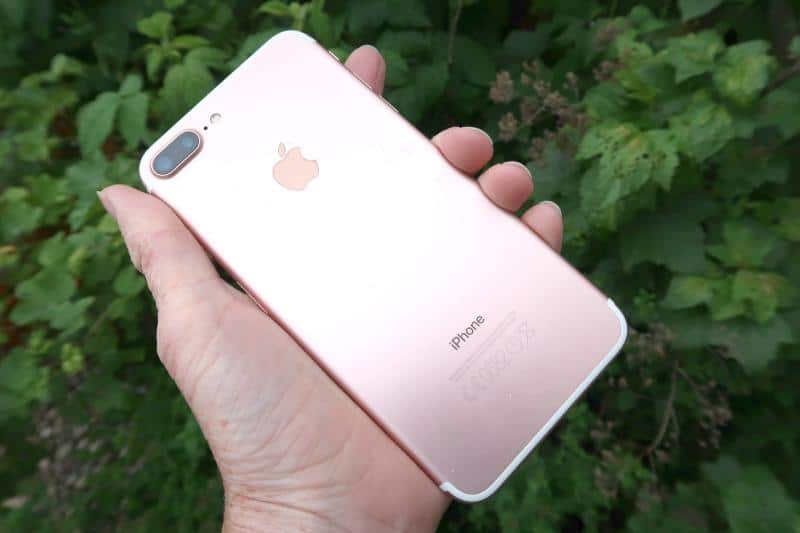

I started by pulling everything out and having a proper look. Each device got a quick check. Does it turn on? Does it hold a charge? Is it still receiving updates? Is it useful to anyone in the family?
Some of the phones were clearly past their best. The batteries had faded, the screens were scratched and the software was so old that the apps wouldn’t run. Others were in surprisingly good shape, and it seemed a shame to leave them forgotten.
I always like to take a practical view. If a device is still useful, it stays. If it’s not, it’s time to move it on. For one or two of the better handsets, that meant looking into whether I could sell my phone, and spending a few minutes comparing options.
The tablets question

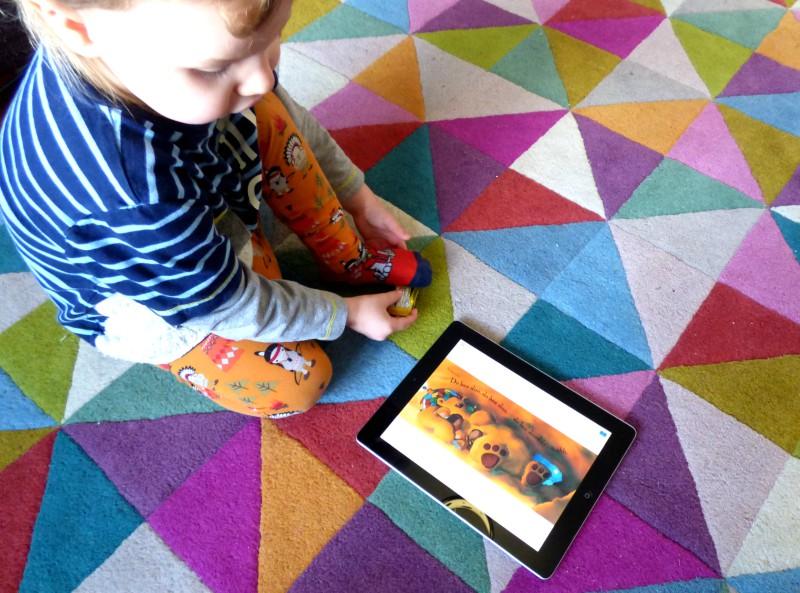
Tablets were the harder decision. They’re great for home education, and we’ve had a few that were well used. But as the children grow, their needs change. A tablet that was perfect for a seven-year-old doing phonics games isn’t much use to a twelve-year-old who wants to write and research.
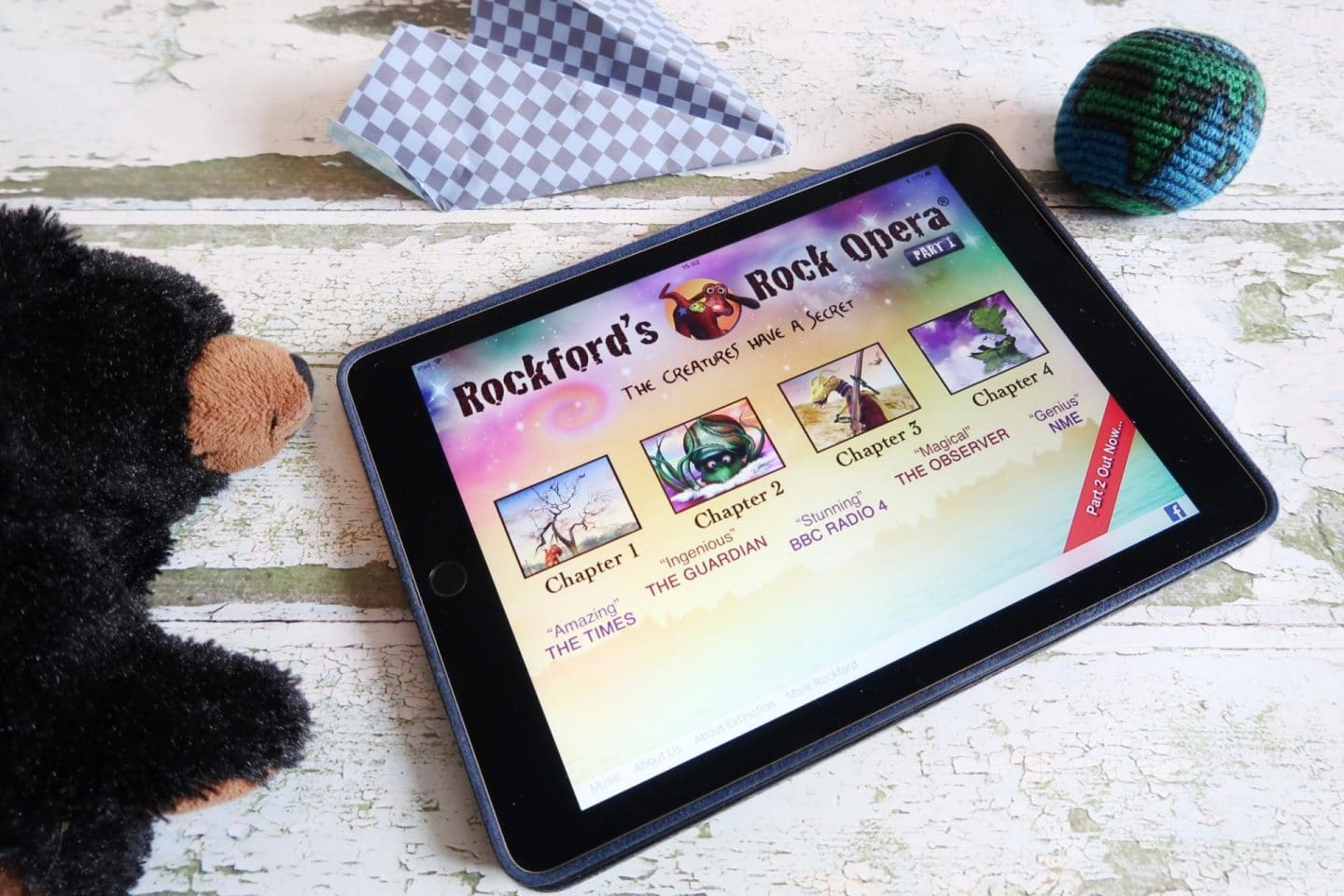
Our oldest tablet was an iPad that had done sterling service for years. It still worked, but it couldn’t keep up with newer apps. I looked at what would happen if I were to trade in ipad, and decided it made more sense than leaving it in a bag.
If you’re thinking about the same, I’d say it’s worth being honest about whether your child will actually use it again. Tablets that sit unused don’t get any better with age, and the money you could put towards a more suitable device usually makes a difference.
Packing tech for a trip
If we’re travelling, I also like to decide which devices come with us. Tablets are brilliant for long journeys, whether it’s a ferry, a train across Europe or a long drive to the Highlands. But the more we pack, the more there is to lose.
For family trips, I now try to keep it simple. One tablet each for the children, loaded with downloaded films, audiobooks and a few offline games. One phone each for the older ones, for photos and maps. A shared power bank and a multi-port charger. That’s it.
I also back everything up before we go. Photos from our last trip took up half the storage on one phone, and I’d forgotten to copy them across. I now make a habit of transferring everything before we leave.
Teaching children to look after their devices
One of the best things about home education is that we can turn almost anything into a lesson. Tidying the tech drawer turned into a lovely discussion about how gadgets are made, where the materials come from and what happens when they’re thrown away.
The children were fascinated to learn that a phone contains lots of different metals, and that recycling helps recover them. They were keen to help sort the pile, and they made a chart of which devices belonged to whom, when we’d bought them and what we were going to do with them.
We also talked about data. I explained why we always wipe devices before passing them on, and why it’s important to sign out of accounts. It’s a skill they’ll need as they grow up, and it’s better learnt early.
Recycling the rest
Anything that couldn’t be reused went for recycling. Old chargers, damaged cables and broken earphones all went into a bag. Dead batteries went into a separate container, because they should never be put in household bins.
What I’d suggest
If you’re planning a trip or thinking about the new school term, this is a perfect time to give your tech a once-over. Check what’s working, what’s useful and what’s gathering dust.
Start small. Pick one drawer or one bag, and tackle it in an hour. Back up everything you want to keep, sign out of your accounts and reset each device. Then decide what to do with each one.
A lighter bag
We’ve now got a much simpler set-up. The children know which device is theirs, I know where the chargers are and our travel bag is lighter. I’m already feeling more relaxed about our next adventure.
It’s funny how a small bit of organisation can make such a difference. If you’ve got a pile of tech in your house, I hope this helps you tackle it. And if you’ve got any tips of your own, I’d love to hear them in the comments.